I recently made a console theme for my website. Photos left unmodified looked too clean and fancy to fit in with the theme. I played with the saturation and contrast functions of the CSS filter property, which gave okay results, but not enough. I thought a pixelated look fit in, and decided to see if it would be possible with pure CSS, something like pixel art or perhaps sixel on a low resolution terminal. This Stack Overflow answer led me to the solution of using an SVG filter through a url() value of the filter property.
I want this to work purely with CSS because my theme switcher just switches the site’s stylesheet, nothing else. I also want the images to look normal on hover so that they can be seen better. An SVG can be put inline in a stylesheet by putting data:image/svg+xml, followed by the SVG content. Using a url() with a filter requires specifying an ID of a <filter> element, so a #id must be appended right after the SVG markup.
The <filter> element contains one or more of the fe prefixed filter primitive elements. I worked with the ones from the Stack Overflow answer: <feFlood>, <feComposite>, <feTile>, and <feMorphology>. I don’t have much knowledge about these, but I tweaked the numbers a bit to get a more pronounced effect, though I may have overdone it a bit and am considering pulling it back.
I also bumped up the saturation with the saturate() filter function to perhaps fit a terminal’s colors better. I added a fallback filter with contrast() and saturate() for browsers that can’t support inline SVGs in this way. I applied filter: none on :hover and :focus.
The end result looks like:
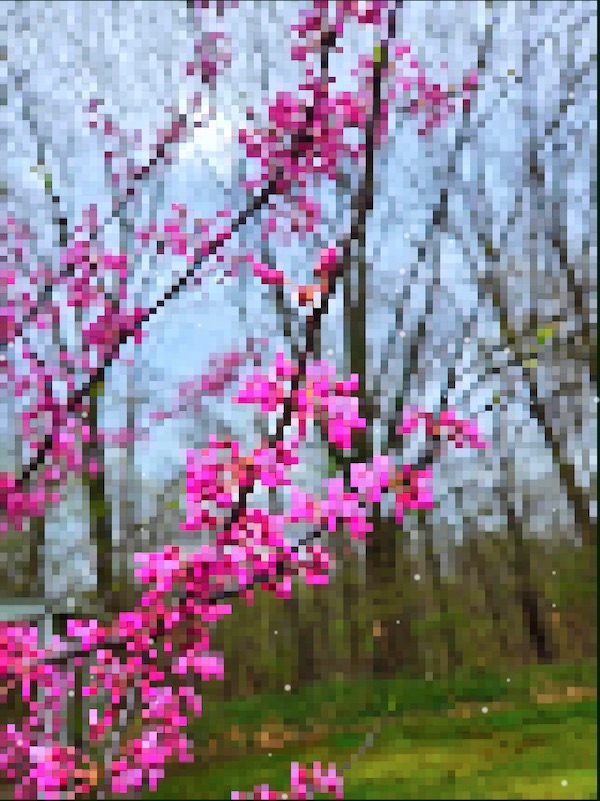
From this image:
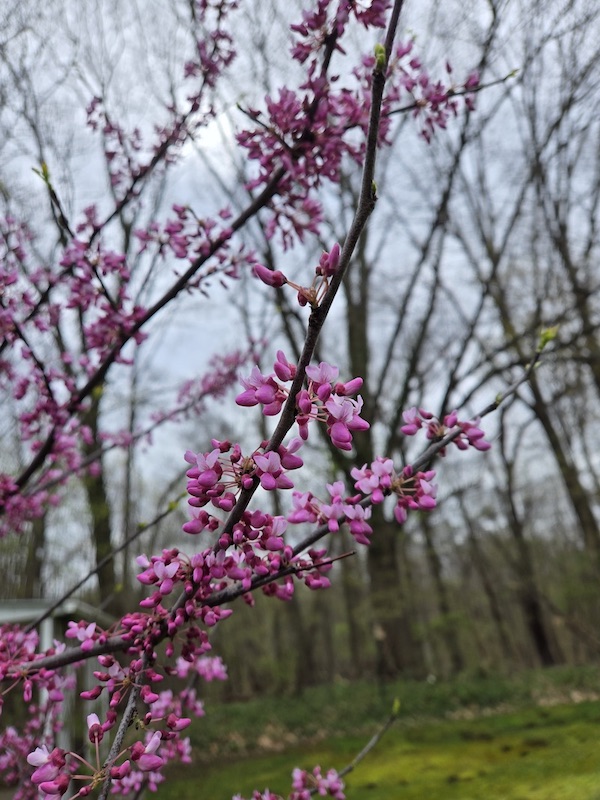
Sorry for anyone with my console theme enabled, as the effect will be applied to the second image and doubly applied to the first.
The resulting CSS to do this looks like:
img, svg, video{
    filter: contrast(200%) saturate(0.5);
    filter: saturate(2) url('data:image/svg+xml,\
        <svg xmlns="http://www.w3.org/2000/svg" version="1.1" width="0" height="0">\
        <filter id="px" x="0" y="0"> \
            <feFlood x="2" y="2" height="2" width="1" /> \
            <feComposite width="5" height="5" /> \
            <feTile result="t" /> \
            <feComposite in="SourceGraphic" in2="t" operator="in" /> \
            <feMorphology operator="dilate" radius="2" /> \
        </filter> \
        </svg>#px');
    &:focus, &:hover{
        filter: none;
    }
    &:focus-within{
        filter: none;
    }
}
I think it looks cool and have been having fun figuring out new techniques like this for my alternative themes.